Managing staff
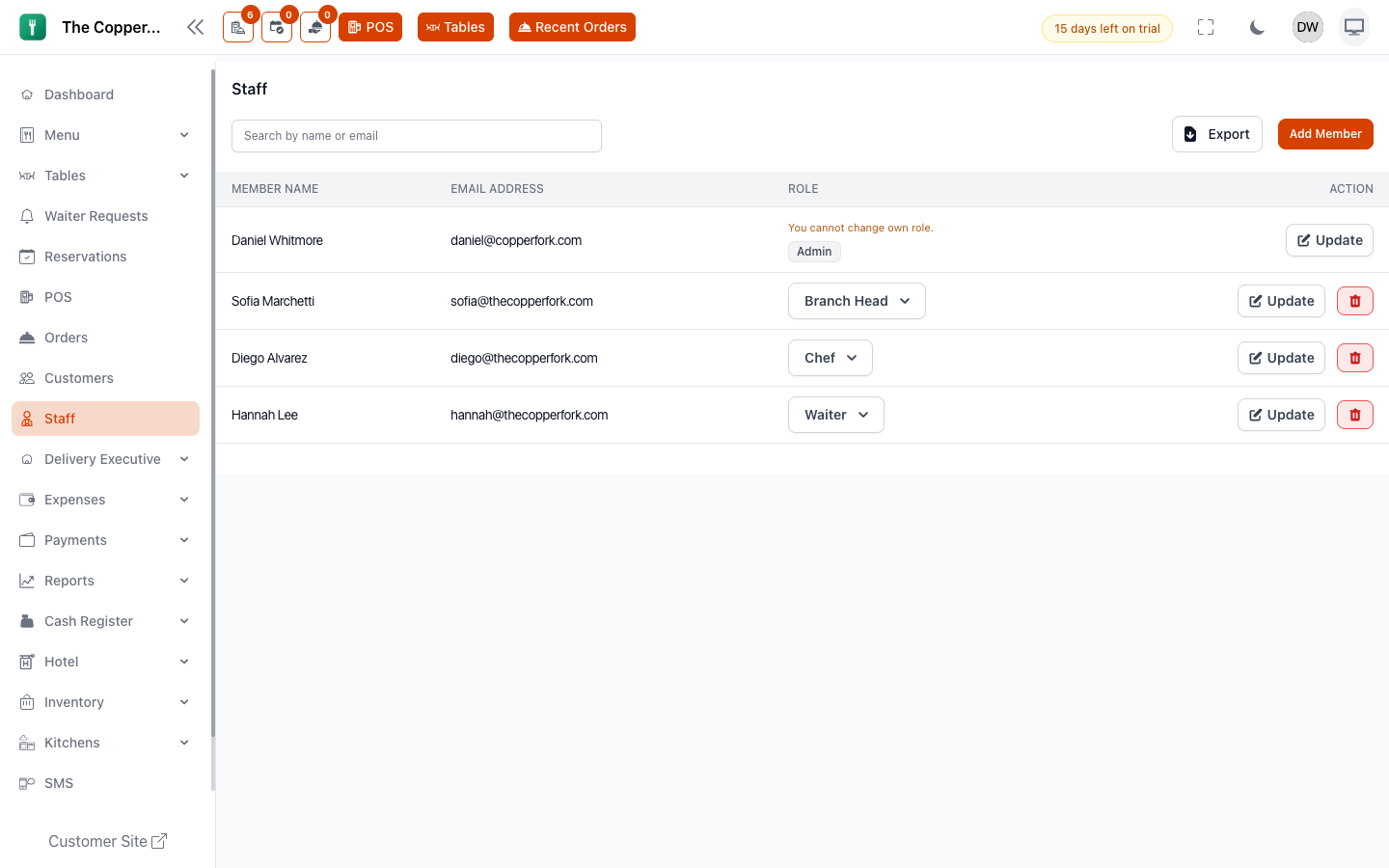
What this is for
Inviting your team covers adding your first people. This page is about the months afterwards: changes, moves, and the day someone hands in their notice.
Editing someone's details
Go to Staff and open the member.
You can change their name, email, phone, role and password. Changing the email changes what they sign in with, so tell them before you do it.
Branch access
Staff belong to a branch. Someone working across two locations needs access to both, or they'll sign in and find the wrong menu, the wrong tables and the wrong orders.
This is worth checking whenever a report looks empty or a member of staff says something has "disappeared" — on a multi-site account it's usually branch, not permissions.
The ability to switch branches is itself controlled by role.
Changing someone's role
Open the member and change the role. It takes effect immediately, on their next page load.
Two things to be aware of:
- A staff member has one role. Someone who genuinely does two jobs gets the role covering both. Don't create a personal role for one person unless the job is genuinely permanent.
- Editing a role changes it for everyone who has it. Promoting one waiter means changing their role, not adding permissions to the waiter role. See Roles.
When someone leaves
Deactivate. Don't delete.
Their name is attached to every order they took, every discount they applied, every item they cancelled and every refund they processed. Deleting the account puts holes in that history exactly where you'd want to look.
Deactivating stops them signing in and keeps the record intact.
Do it the same day. An account that still works belonging to someone who no longer works for you is the most ordinary security problem a restaurant has.
The leaver checklist
- Deactivate the account.
- Check they don't hold an open table lock — force-unlock if they do.
- Settle anything outstanding: a cash register session, or COD they were carrying.
- If they knew a shared password anywhere, change it.
When someone joins
- Add them with the role they'll actually work under — not a bigger one "for now".
- Give them a starting password and tell them to change it.
- Confirm their branch.
- Walk them through the screens they'll use. Start here for your job is written for exactly this.
Starting people on a broader role than they need and narrowing it later doesn't happen. Narrow it now.
Waiters and sections
Staff with a waiter role can be assigned to tables, with a backup waiter for the section. That's what makes sales-by-waiter meaningful. See Tables and seating.
Drivers are separate
Delivery drivers aren't staff members. They're delivery executives, added on their own screen, with access only to the delivery app. See Delivery executives.
Good to know
- Email addresses must be unique. Two people can't share a login, and shouldn't — the audit trail is only worth having if it names one person.
- New staff get a welcome email, if email notifications are configured.
- Staff can update their own name, photo and password from their profile, and can turn on two-factor authentication.
- If someone can't see a screen, check their role before assuming a fault — Why can't I see this screen?